

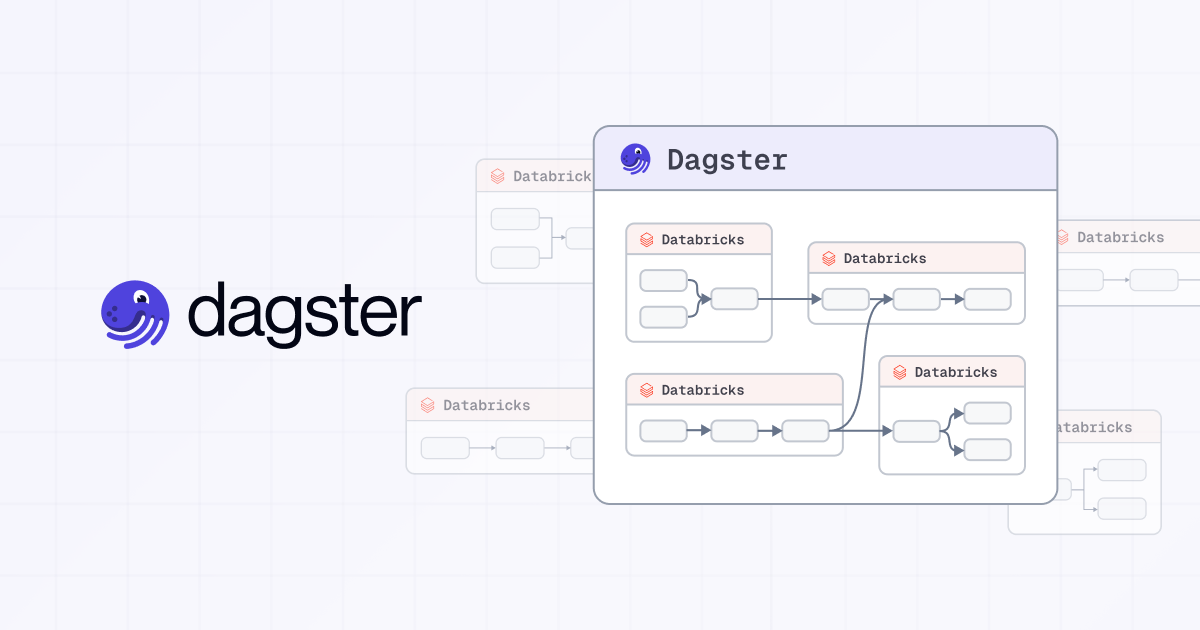


Once your pipelines span multiple Databricks workspaces, you're no longer orchestrating a single system you're coordinating a distributed one.
Your First Workspace Was a Revelation. Your Thirtieth Is a Crisis.
Somewhere between workspace five and workspace twenty, you lost the ability to answer a simple question: when Team A's pipeline fails at 3 AM, which downstream teams in which other workspaces are affected?
Lakeflow Jobs does not know. It cannot see across workspace boundaries. The "Run Job" task only triggers jobs within the same workspace.
So teams stitch together REST API polling scripts, Slack alerts, and a growing web of fragile dependencies.
When Workspaces Become a System
You start with one Databricks workspace. Within months, you have twelve.
This is how Databricks is designed to scale: split across environments, teams, and data products.
But once pipelines span multiple workspaces, you are no longer orchestrating inside a single system. You are coordinating a distributed one.
Dependencies exist across workspaces, but they are not defined anywhere.
What Actually Breaks
Consider a common scenario.
A finance team produces a curated dataset in one workspace. A machine learning team consumes that dataset in another to train a model.
If the upstream pipeline fails or runs late, nothing in Databricks prevents the downstream job from executing. There is no native way to express that dependency across workspaces, and no shared understanding of what is affected.
The result is predictable: stale data, inconsistent model outputs, and finance and ML engineers debugging the same failure from opposite ends of the platform.
From Visibility to Coordination
The first step is visibility.
Connections is the read-only entry point. It provides a view into Databricks jobs and pipelines across workspaces without requiring code changes, so you can see what exists and how it is structured.
The DatabricksWorkspaceComponent is the next step. It loads those jobs into Dagster as assets, bringing them into a single asset graph where dependencies can be defined across workspaces and execution coordinated accordingly.
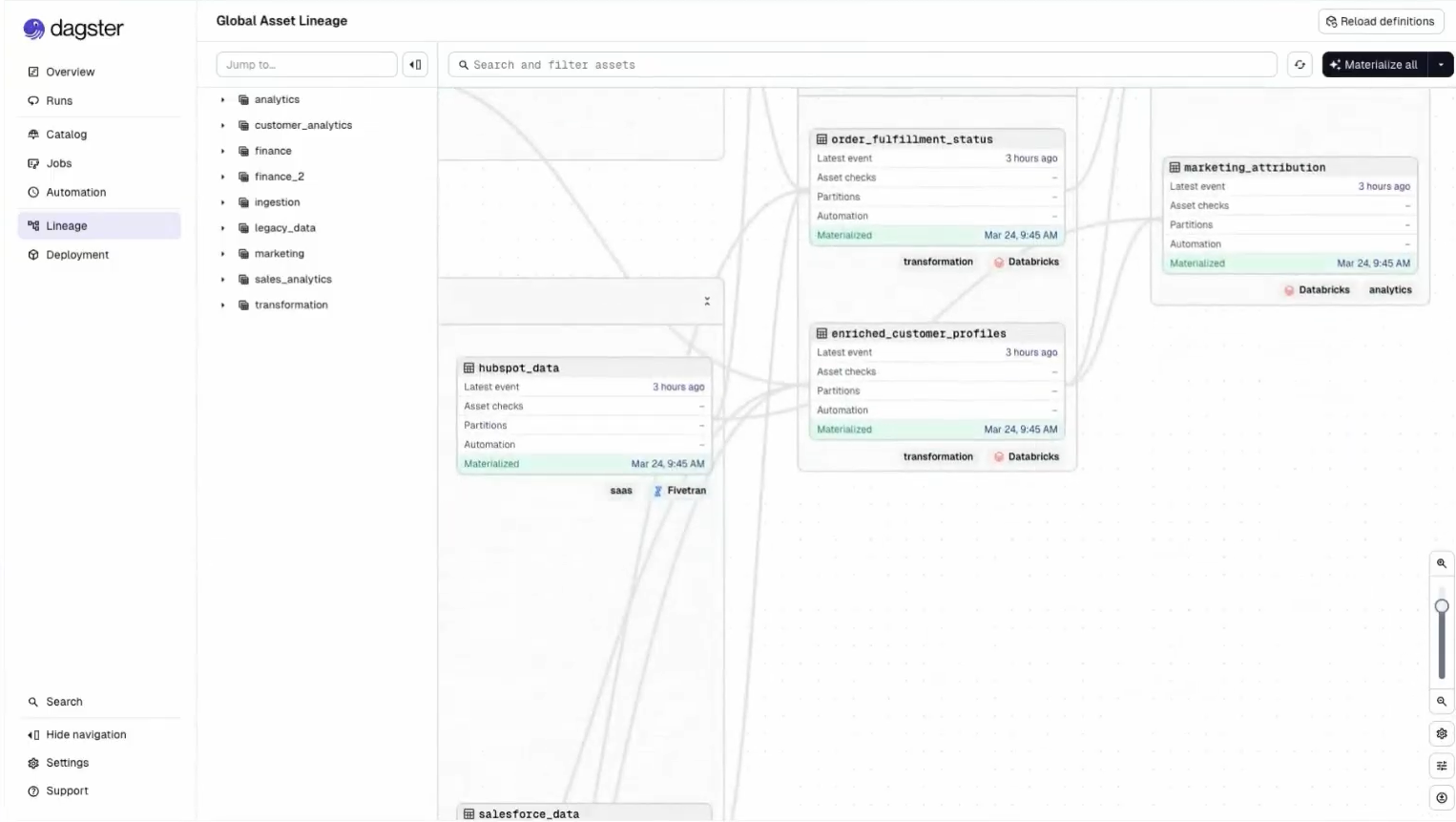
This is the shift: from observing pipelines to controlling how they relate.
What This Looks Like in Practice
Back to finance and ML.
With both workspaces connected, the curated finance dataset appears in the asset graph as an upstream dependency of the ML training job. That dependency is now declared, not implied:
@asset(deps=[finance_workspace.curated_revenue])
def churn_model_training(context):
    ...
When the finance pipeline fails or runs late, the ML job does not execute on stale inputs. A freshness policy on the curated dataset enforces the expectation explicitly, and both teams see the same lineage when something breaks.
The cross-workspace dependency that used to live in a Slack thread now lives in code.
The Bottom Line
Databricks scales by adding workspaces. As it scales, orchestration becomes a cross-workspace problem.
Dagster provides the missing layer by allowing you to observe, define, and orchestrate dependencies across your entire platform. This is what cross-workspace orchestration for Databricks actually requires.
If your pipelines already span multiple workspaces, this is not theoretical. It is already your reality.
For a hands-on walkthrough of connecting multiple workspaces, auto-discovering assets with the DatabricksWorkspaceComponent, and building a unified asset graph — watch the full deep dive.